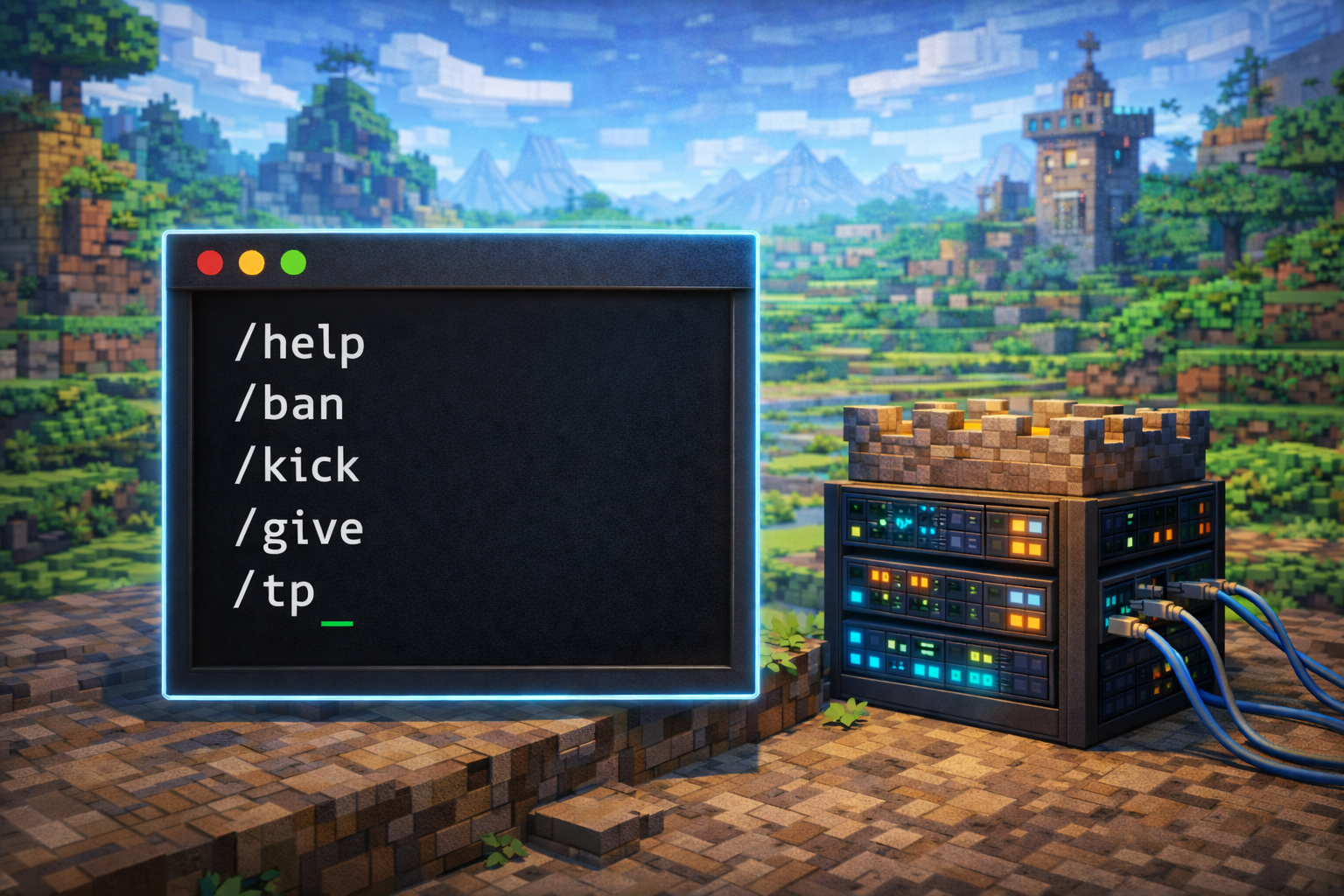
Hytale Server Commands: Complete Admin and Player Guide (2026)

Introduction
Managing a multiplayer sandbox like Hytale requires precise control over players, worlds, and server behavior. That control comes from Hytale server commands, the built-in instruction system that powers moderation, gameplay customization, and large-scale creative building. Whether you are hosting a private world for friends or running a public community server, understanding these commands is essential for stability, security, and performance.
In this guide, you will learn how Hytale server commands work, how permissions are structured, and how to use the most important commands for players, administrators, and creative builders. By the end, you will be able to operate a Hytale server confidently, avoid common mistakes, and unlock advanced tools that dramatically improve server management and world creation.
Quick Summary Box
- Hytale server commands control players, worlds, gameplay rules, and server operations
- Most advanced commands require operator (OP) permissions
- Dedicated servers must authenticate before allowing players to join
- Creative and world-editing commands enable large-scale terrain and structure building
- Proper permission and backup management prevents data loss and abuse
What Are Hytale Server Commands?
Hytale server commands are text-based instructions used to manage server behavior, player actions, and world systems. Commands follow a slash-based syntax similar to other sandbox games, but Hytale expands this model with advanced permissions, creative tooling, and scripting support.
Commands are grouped into several functional categories:
- Player utility commands
- Administrative moderation commands
- Server management commands
- Gameplay modification commands
- World editing and creative tools
- Advanced creative and scripting commands
Most commands are executed in-game through chat, while others can be run directly from the server console with elevated authority.
How to Use Commands in Hytale
In-Game Chat Method
To use commands in-game:
- Press the forward slash key or Enter to open chat
- Type the command exactly as written
- Commands are case-sensitive
- Press Enter to execute
Example usage:
/pingThis command displays your current network latency and connection quality.
Server Console Method
Server administrators can also run commands directly from the server console. Console commands:
- Do not require the forward slash
- Ignore in-game permission restrictions
- Execute with full server authority
This method is recommended for critical administrative tasks such as authentication, backups, and emergency moderation.
Becoming an Operator (OP)
Operator status is required to access most administrative and world-editing commands.
Singleplayer
/op selfMultiplayer Dedicated Server
The server must be launched with the --allow-op flag enabled. After startup:
/op selfVia Server Console
op add <username>Once added, you gain access to all operator-level commands unless restricted by permissions.
Essential Player Commands
These commands are available to all players without special permissions.
| Command | Function | Example |
|---|---|---|
| /emote | Plays a character animation | /emote wave |
| /help | Lists available commands | /help ping |
| /ping | Displays network latency | /ping |
| /who | Shows online players | /who |
| /spawn | Teleports to world spawn | /spawn |
| /whereami | Shows current coordinates | /whereami |
The /help command is context-aware and only displays commands available to your permission level and game mode.
Server Admin Commands
Administrative commands are used for moderation and access control.
Player Management Commands
| Command | Description |
|---|---|
| /op | Grants operator privileges |
| /kick | Removes a player without banning |
| /ban | Permanently bans a player |
| /unban | Restores banned access |
| /perm | Manages permissions |
| /whitelist | Controls server access |
When a player is banned, they are immediately disconnected and added to the ban list.
Whitelist Management
Whitelist commands control who can join the server.
/whitelist enable/whitelist disable/whitelist add <username>/whitelist remove <username>/whitelist list/whitelist clear
Operators can always join, even if the whitelist is active.
Server Management Commands
These commands control server operation and configuration.
| Command | Purpose |
|---|---|
| /stop | Shuts down the server cleanly |
| /backup | Creates a world snapshot |
| /plugin | Manages installed plugins |
| /maxplayers | Sets player capacity |
| /auth | Handles server authentication |
Always notify players before running /stop to prevent data corruption.
Server Authentication Setup
Dedicated Hytale servers must authenticate before players can connect.
Authentication process:
- Start the server and wait for confirmation in the console
- Run
/auth login device - Open the provided URL from the official Hytale account system
- Enter the device code and authorize
- Run
/auth persistence Encryptedto save credentials
Authentication is sensitive to system time. Even small clock differences can cause failures.
Official reference: https://support.hytale.com
Gameplay Modification Commands
Gameplay commands modify player states and mechanics.
| Command | Effect |
|---|---|
| /gamemode | Changes player mode |
| /give | Grants items |
| /spawnitem | Spawns items |
| /tp | Teleports players |
| /heal | Restores health |
| /kill | Respawns player |
| /unstuck | Moves player to safe position |
Item IDs are visible in Creative Mode inventory.
World Editing Commands
Creative Mode unlocks advanced world manipulation tools.
Block and Terrain Commands
| Command | Function |
|---|---|
| /block | Modifies block states |
| /blockselect | Selects regions |
| /blockset | Applies bulk changes |
| /chunk | Manages chunk loading |
| /fluid | Controls liquids |
| /clearblocks | Removes selected blocks |
These commands allow rapid terrain shaping and cleanup.
Selection and Editing Tools
Hytale includes selection tools similar to professional world editors:
/copy/cut/paste/editprefab/editline
Selections preserve positional data for accurate placement.
Creative Mode and Map-Making Commands
Advanced commands support custom content creation.
NPC and Entity Control
| Command | Purpose |
|---|---|
| /npc | Controls NPC behavior |
| /spawning | Manages spawn rules |
| /entity | Entity operations |
| /path | Defines patrol paths |
Objectives and Progression
| Command | Function |
|---|---|
| /objective | Manages objectives |
| /memories | Controls progression |
| /checkpoint | Sets checkpoints |
Environment and Effects
| Command | Effect |
|---|---|
| /time | Sets world time |
| /noon | Freezes lighting |
| /ambience | Controls atmosphere |
| /camshake | Cinematic effects |
| /environment | Weather control |
These tools are essential for adventure maps and cinematic builds.
Scripted Brushes and Terrain Tools
Scripted brushes are one of Hytale’s most powerful creative features. Brushes apply procedural logic to generate terrain and structures quickly.
Brush capabilities include:
- Mountain and hill generation
- Valley carving
- Procedural ruins
- Large-scale terrain transformation
Brush parameters are configurable, allowing creators to fine-tune results for realism and performance.
Permission System Overview
Hytale uses a hierarchical permission system defined in permissions.json.
Permission Structure
- Dot-separated format
- Wildcards supported
- Explicit denials allowed
Examples:
hytale.command.gamemode.selfhytale.command.gamemode.otherhytale.command.*-hytale.command.kick
Operators typically have full wildcard access, while regular players have limited permissions.
Documentation to refer: https://hytale-docs.pages.dev
Server Configuration Files
Hytale servers rely on multiple JSON files.
| File | Purpose |
|---|---|
| config.json | Core server settings |
| permissions.json | User permissions |
| bans.json | Banned players |
| whitelist.json | Allowed players |
| mods/ | Installed mods |
| logs/ | Server logs |
Edits made while the server is running may be overwritten on restart.
Tips, Common Mistakes, and Optimization
Best Practices
- Always run backups before major changes
- Grant OP status sparingly
- Use groups instead of individual permissions
- Monitor server logs regularly
- Enable authentication persistence
Performance Optimization
- Allocate sufficient RAM for player count
- Limit view radius on populated servers
- Avoid excessive backup frequency
- Test large edits in a staging world
Common Mistakes
- Forgetting to authenticate dedicated servers
- Editing configuration files while the server is running
- Granting full permissions to untrusted players
- Skipping backups before updates
FAQ Section
Do all commands require operator status?
No. Basic commands are available to all players. Admin and creative tools require OP permissions.
Can commands be used in singleplayer?
Yes. Most commands work identically in singleplayer after using /op self.
Where do I find item IDs?
Item IDs are listed in Creative Mode inventory and follow a standardized naming format.
What happens if a command fails?
The server returns an error explaining the issue. Check permissions and syntax.
Can commands break my world?
Improper use of world-editing commands can cause damage. Always create backups first.
Conclusion
Hytale server commands provide complete control over multiplayer worlds, from moderation and configuration to advanced creative building. By mastering permissions, authentication, and command syntax, server owners can ensure stability, security, and an engaging player experience.
Start with essential admin tools, then gradually explore creative and scripting systems as your confidence grows. With careful management and regular backups, Hytale’s command system becomes one of the most powerful server administration tools in modern sandbox gaming.
Published by UpbeatUptake.com
About Us
Upbeat Uptake
Curated Insights and Updates
Hello, we are Upbeat Uptake, a simple blog focused on sharing clear ideas, useful updates and fresh perspectives. Our goal is to make information easy to understand and enjoyable to read.
We cover topics like technology, education, exams, gaming and current affairs, with an emphasis on clarity and relevance. Every post is created to inform, inspire and help you stay updated without unnecessary noise.
Follow Us
Social channels coming soon. Stay tuned for updates.
Leave a Reply