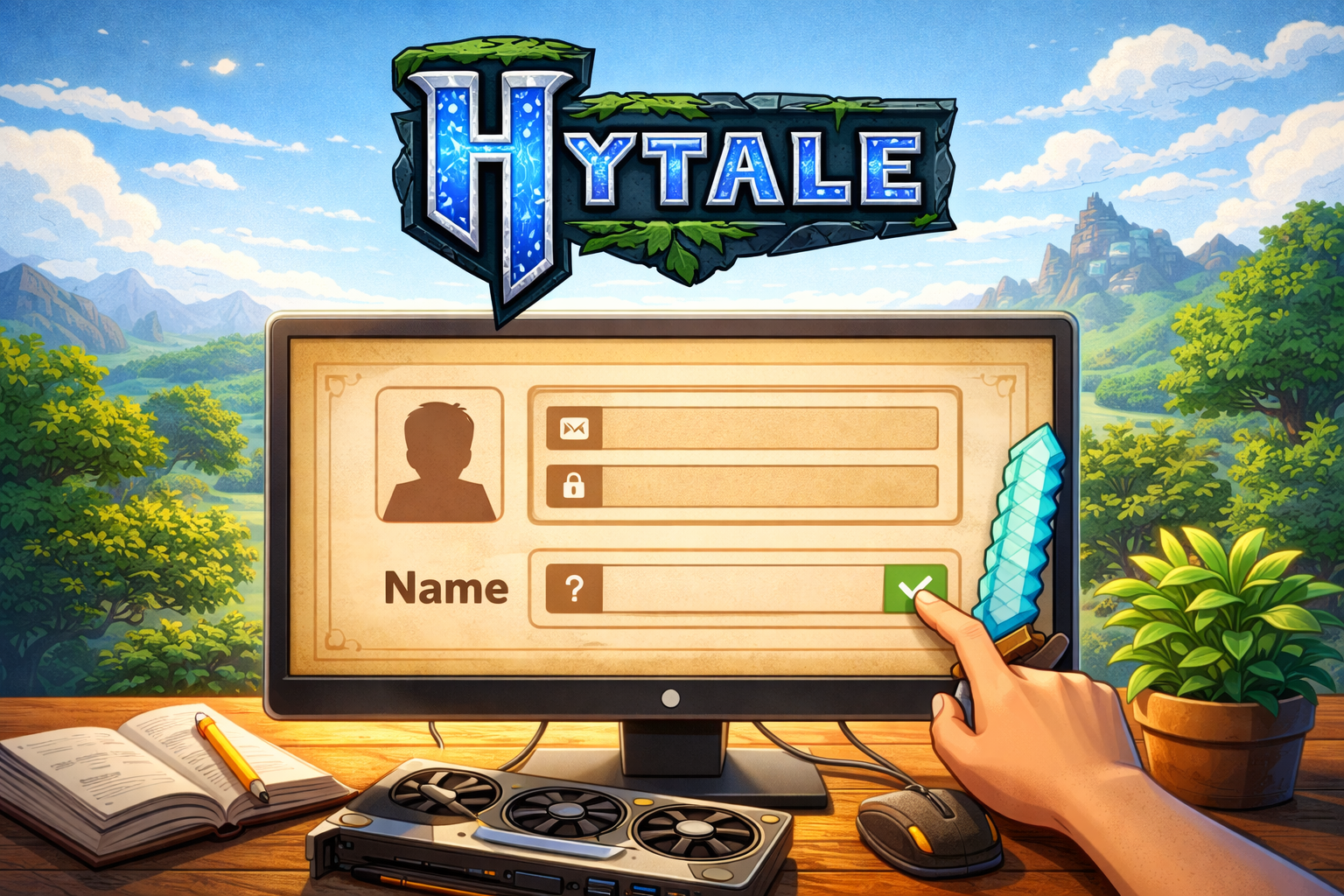
How to Create a Hytale Account & Reserve Your Name: Complete 2026 Guide

Table of Contents
- Why Creating Your Hytale Account Now Matters
- Step-by-Step: Creating Your Hytale Account
- Understanding the Token-Based Name Reservation System
- How to Reserve Your Hytale Username
- Hytale Username Rules and Restrictions
- Troubleshooting Common Account Creation Issues
- Pro Tips for Securing Your Desired Username
- Important Dates and Timeline
- Frequently Asked Questions
Why Creating Your Hytale Account Now Matters
Hytale has officially opened account registrations ahead of its Early Access launch on January 13, 2026. Creating your account now isn’t just about being prepared—it’s about securing your digital identity in what promises to be one of the biggest sandbox game launches in recent history. The development team at Hypixel Studios has implemented a token-based reservation system that rewards early adopters while managing server load during the massive influx of players.
The account you create today serves as your permanent Hytale ID, housing your authentication methods, security settings, and eventually, multiple game profiles. Unlike traditional game accounts where each copy requires separate login credentials, Hytale’s system allows you to manage multiple game profiles under a single master account—perfect for families or content creators who need alt accounts.
Step-by-Step: Creating Your Hytale Account
Registration Methods Comparison
| Sign-Up Method | Speed | Recommended For | Notes |
|---|---|---|---|
| Discord | Fastest | Existing Discord users | Instant verification if already logged in |
| Fast | Gmail users | Uses existing Google security | |
| Epic Games | Medium | Fortnite/Unreal players | Good for existing Epic ecosystem users |
| Microsoft | Medium | Xbox/Windows users | Integrates with Microsoft account |
| Twitch | Medium | Streamers/viewers | Links to Twitch identity |
| Slowest | Privacy-focused users | Requires manual verification |
Detailed Registration Process
Step 1: Navigate to the Official Registration Page
Visit the official Hytale account portal at accounts.hytale.com/registration. Avoid third-party sites or referral links to ensure your account security.
Step 2: Choose Your Preferred Sign-Up Method
Click on your desired authentication provider. For fastest results, Discord or Google are recommended due to their streamlined OAuth processes. If you choose email registration, use a primary email address you check regularly—this is crucial for receiving your verification link and name reservation token.
Step 3: Complete Age Verification
Hytale requires age verification during signup. Ensure you enter your correct birthdate, as this affects access to certain community features and parental controls.
Step 4: Submit and Wait for Verification
After completing the form, you’ll see a confirmation screen. Critical: Check your email inbox immediately for the verification message titled “Your Hytale account is ready!” This email contains a blue “CONFIRM ACCOUNT” button that you must click within 24 hours.
Step 5: Secure Your Account
Once verified, log into your new Hytale account dashboard. Immediately enable two-factor authentication (2FA) and create a strong, unique password. Your Hytale account will eventually store game licenses and potentially payment information, making security essential.
Understanding the Token-Based Name Reservation System
The name reservation system operates differently than many players expect. Unlike Minecraft or other platforms where you can instantly claim a name upon account creation, Hytale uses a token distribution model to prevent username hoarding and reduce server strain.
How Tokens Are Distributed
Tokens are being sent in waves to registered email addresses. According to developer communications, distribution began around December 8, 2025, and continues through the pre-order period. The rollout schedule is designed to:
- Reward long-time community members who signed up for newsletters years ago
- Prevent automated bots from mass-reserving desirable names
- Ensure server stability during the reservation process
Token Email Details
When you receive your token email (subject line: “Your username reservation is ready”), it contains:
- A unique, single-use reservation link
- Instructions for claiming your username
- A warning against sharing or selling tokens
Important: These tokens are transferable by forwarding the email link, but doing so violates Hytale’s Terms of Service if done for commercial purposes. Only share tokens with trusted friends or family members.
How to Reserve Your Hytale Username
For Token Holders (Early Access)
Step 1: Access Your Account Dashboard
Log into accounts.hytale.com and navigate to the “Usernames” section in the left sidebar.
Step 2: Click “Reserve Username”
If you have an active token, you’ll see a reservation interface. Click the “Reserve Username” button to proceed.
Step 3: Enter Your Desired Name
Input your preferred username in the designated field. The system will instantly check availability.
Step 4: Apply Your Token
Paste or auto-fill your token code (extracted from the email link) into the token field.
Step 5: Confirm Reservation
Click “Reserve Username” to complete the process. Your name is now locked and cannot be claimed by others.
For Non-Token Holders (Standard Process)
If you haven’t received a token by December 13, 2025, you’ll reserve your name during the pre-order process:
Step 1: Pre-Order Hytale
When pre-orders go live, purchase the game through the official Hytale website.
Step 2: Create a Game Profile
After purchase, access the “Game Profiles” section of your account.
Step 3: Set Your Username
Click “Change Username” next to your automatically assigned temporary name. Enter your desired username and confirm.
Step 4: Finalize Your Identity
Your username is now permanently attached to your game profile and license.
Hytale Username Rules and Restrictions
Understanding the technical constraints helps you craft a valid username on your first attempt:
Character Requirements
- Length: 3-16 characters (inclusive)
- Allowed Characters: Letters (a-z), numbers (0-9), and underscores (_)
- Prohibited: Spaces, hyphens, special symbols, or non-ASCII characters
- Case Sensitivity: Usernames are case-insensitive during reservation but capitalization can be customized later
Content Restrictions
Hytale’s moderation team actively monitors username registrations. Prohibited names include:
- Trademarked terms (unless you own the trademark)
- Impersonations of Hytale staff or popular content creators
- Hate speech, slurs, or offensive language
- Names intended for resale or ransom
Enforcement Measures
The development team has stated they will revoke usernames that violate their Terms of Service, particularly those registered with the intent to “resell, trade, ransom, or maliciously block others.” This policy protects the community from domain-squatting behavior common in other platforms.
Post-Reservation Modifications
- Capitalization Changes: You can adjust capitalization (e.g., “hytalefan” → “HytaleFan”) at any time without triggering cooldowns
- Full Name Changes: After setting your username, you can only change it once every 30 days
- Profile Transfers: Reserved names must be manually assigned to a game profile after purchasing the game
Troubleshooting Common Account Creation Issues
Email Verification Delays
Problem: Not receiving the verification email within minutes.
Solution:
- Wait at least 30 minutes—Hytale’s servers are processing millions of signups
- Check your spam, promotions, and junk folders thoroughly
- Search your email for “Hytale” or “Your Hytale account is ready”
- If still missing after 2 hours, request a resend through the account portal
- As a last resort, create a new account with an alternative email provider (Gmail has the highest delivery success rate)
Age Verification Loop
Problem: Stuck on age verification screen after submission.
Solution:
- Clear your browser cache and cookies, then retry
- Try a different browser (Chrome or Firefox recommended)
- Disable VPN services temporarily, as they may cause location mismatches
- Ensure your system date/time settings are accurate
Token Link Expiration
Problem: Token link shows as expired or invalid.
Solution:
- Tokens are single-use—ensure you haven’t already claimed the name
- Check that you’re logged into the correct Hytale account
- Contact Hytale support with your token ID if the issue persists
- Note: Tokens may expire if not used within the reservation window
Username Unavailability
Problem: Desired name is already taken.
Solution:
- Try variations: add numbers, underscores, or creative spellings
- Check for similar available names using the suggestion tool
- Consider reserving a backup name while deciding on your primary
- Remember: capitalization differences don’t create unique names (HytaleFan = hytalefan)
Pro Tips for Securing Your Desired Username
Pre-Registration Strategy
- Create Multiple Accounts: If you’re determined to get a specific name, register several accounts using different email addresses and authentication methods. This increases your odds of receiving an early token.
- Enable Newsletter Subscriptions: During account setup, ensure the newsletter option is checked. Early subscribers receive priority token distribution and exclusive “Founder’s Rewards” cosmetics.
- Use a Primary Email: Register with an email you check frequently on your phone. Token emails have time-sensitive links, and being able to respond within minutes matters.
Name Selection Tactics
- Avoid Trendy Terms: Names based on current memes or slang may feel dated within a year
- Think Long-Term: Choose a name you’ll be comfortable with for years, considering the 30-day change cooldown
- Check Availability Early: Use the reservation interface to test name availability before receiving your token
- Secure Variations: If “GamerPro” is taken, consider “Gamer_Pro,” “GamerPro123,” or “GamerPro_Official”
Technical Optimization
- Bookmark Key Pages: Save
accounts.hytale.com/registrationandaccounts.hytale.comfor instant access - Enable Browser Autofill: Pre-populate your email and basic information to speed up form submission
- Mobile Setup: Install the Gmail or Discord mobile apps with notifications enabled for immediate token alerts
Important Dates and Timeline
| Date | Event | Action Required |
|---|---|---|
| December 7, 2025 | Account creation goes live | Create your Hytale ID immediately |
| December 8-12, 2025 | Token distribution waves begin | Monitor email for reservation tokens |
| December 13, 2025 | Pre-orders launch | Purchase game to secure Early Access |
| December 13-31, 2025 | General name reservation period | Reserve username during/after purchase |
| January 13, 2026 | Early Access launch | Play with your reserved username |
Critical Window: The period between token receipt and December 13 is your best opportunity to secure popular names before the general public can reserve during pre-order.
Frequently Asked Questions
Q: Can I reserve multiple usernames with one account?
A: Currently, each account can reserve only one username using a token. However, after pre-ordering, you can purchase multiple game licenses and assign different usernames to each profile under the same master account.
Q: What happens if I don’t receive a token before December 13?
A: You’ll reserve your username during the pre-order process. Tokens are a convenience for early supporters, not a requirement for name reservation.
Q: Can I sell my token or reserved username?
A: No. Hytale’s Terms of Service explicitly prohibit commercial resale of tokens or usernames. Violations result in permanent account bans and name revocation.
Q: Will usernames be unique across all Hytale servers?
A: Yes. Hytale usernames are globally unique, functioning as your permanent identity across the entire Hytale ecosystem, including official and community servers.
Q: Can I change my username after reserving it?
A: Yes, but with restrictions. You can change capitalization anytime. Full name changes are limited to once every 30 days after assigning the name to a game profile.
Q: What if someone takes my desired name before I get a token?
A: Unfortunately, names are first-come, first-served. Have backup options ready, and consider adding numbers or underscores to create a unique variation.
Q: Are there parental controls for child accounts?
A: Yes. During account creation, parental controls can be enabled. These restrict certain community features and require parental consent for purchases.
Q: Can I use my old Hypixel Minecraft name?
A: Only if it’s available and complies with Hytale’s naming rules. There’s no automatic name reservation or priority transfer from Hypixel Minecraft accounts.
Final Checklist: Are You Ready?
Before December 13, ensure you’ve completed these steps:
- Created your Hytale account at
accounts.hytale.com/registration - Verified your email and logged into the dashboard
- Enabled two-factor authentication for security
- Subscribed to the Hytale newsletter for token priority
- Bookmarked the account portal on your phone and computer
- Prepared 3-5 username options in case your first choice is taken
- Tested username availability using the reservation interface
- Set a calendar reminder for December 13 pre-order launch
- Joined the official Hytale Discord for real-time updates
Conclusion
Creating your Hytale account and reserving your name is a straightforward process, but timing and preparation make the difference between securing your ideal username and settling for an alternative. The token-based system rewards proactive community members while protecting against abuse and server overload.
With Early Access launching January 13, 2026, the window for early name reservation is narrow. Follow this guide, monitor your email diligently, and act quickly when your token arrives. The Hytale team has built robust systems to handle the massive demand, but your preparedness will determine your success in claiming your perfect identity in the world of Orbis.
Ready to begin your adventure? Head to the official Hytale account portal now and secure your place in gaming history.
Disclaimer: This guide is based on official Hytale announcements and community reports as of January 5, 2026. Processes and dates are subject to change. Always verify current procedures at the official Hytale website.
Content published by UpbeatUptake.com
About Us
Upbeat Uptake
Curated Insights and Updates
Hello, we are Upbeat Uptake, a simple blog focused on sharing clear ideas, useful updates and fresh perspectives. Our goal is to make information easy to understand and enjoyable to read.
We cover topics like technology, education, exams, gaming and current affairs, with an emphasis on clarity and relevance. Every post is created to inform, inspire and help you stay updated without unnecessary noise.
Follow Us
Social channels coming soon. Stay tuned for updates.
Leave a Reply