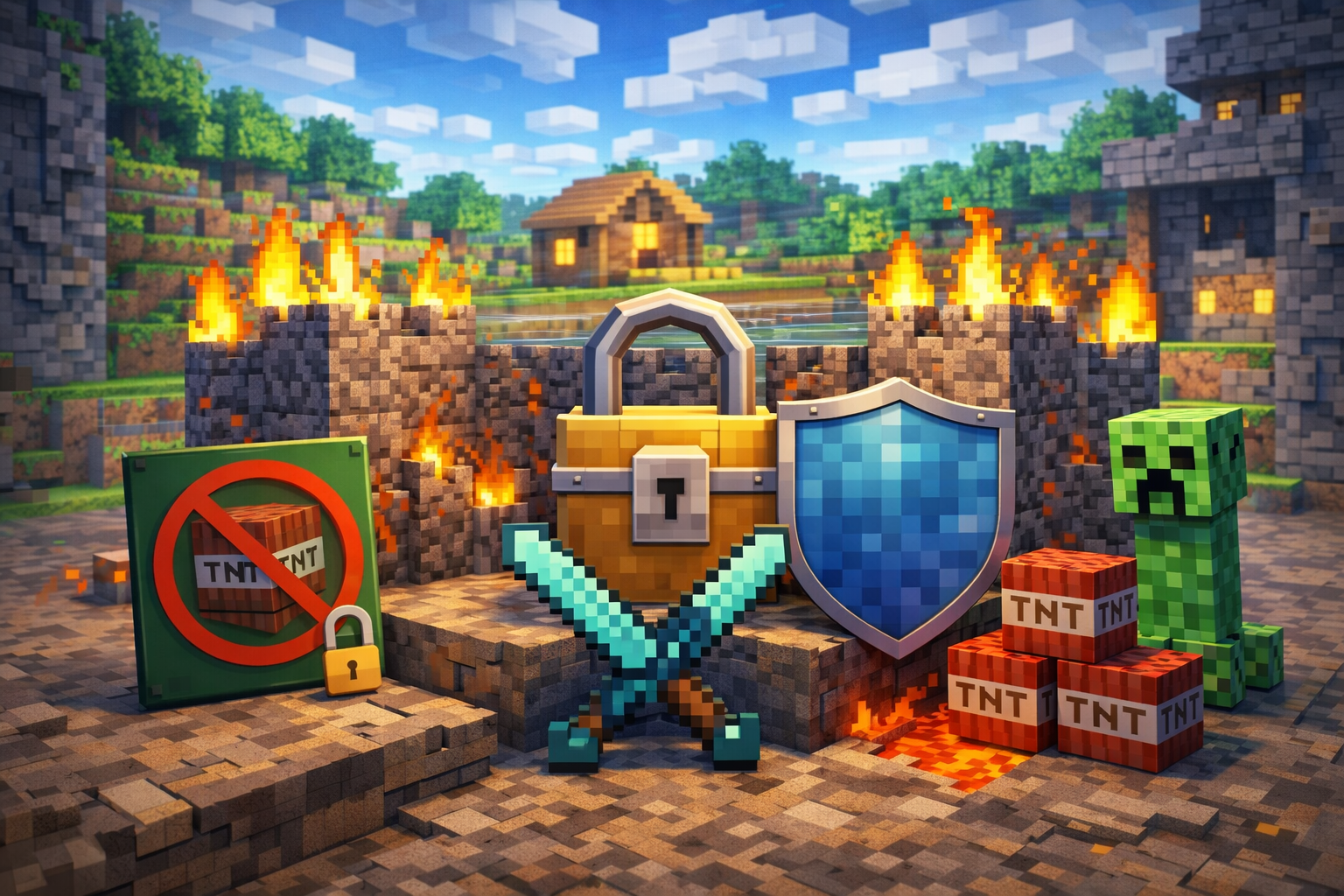
How to Protect a Minecraft Server from Griefing: Complete Guide 2026

Introduction
Griefing is one of the most damaging problems Minecraft server owners face, especially on public or semi-public servers. Without proper protection, malicious players can destroy builds, steal items, impersonate trusted users, and permanently damage your server’s reputation. Learning how to protect a Minecraft server from griefing is essential if you want to maintain a stable, enjoyable environment for your community.
This guide explains proven, up-to-date methods for preventing griefing in 2026. You will learn how griefing works, which plugins offer the strongest protection, how to configure your server securely, and how to recover quickly if damage occurs. By the end, you will have a complete, layered strategy to keep your Minecraft server safe, scalable, and resilient.
Quick Summary Box
- Use land-claim and region plugins to block unauthorized building and destruction
- Enable logging and rollback tools to undo griefing damage instantly
- Secure your server with online mode, permissions, and whitelist controls
- Implement automated backups using the 3-2-1 rule
- Combine technical protection with clear rules and active moderation
Understanding Minecraft Griefing
What Griefing Looks Like in Practice
Griefing includes any intentional action that disrupts gameplay or damages player creations. Common examples include:
- Breaking or burning player builds
- Stealing items from chests
- Lava, water, or TNT placement
- Killing tamed animals or spawn camping
- Chat spam and harassment
Modern griefers often exploit game mechanics or social trust rather than obvious destruction, making prevention more complex.
Why Griefing Is a Serious Threat
Uncontrolled griefing leads to player churn, wasted administrator time, and long-term reputation damage. Without logging or backups, even a single incident can permanently erase months of progress.
Essential Anti-Griefing Plugins
Land Claim Plugins
Land claim plugins allow players or administrators to define protected areas where unauthorized changes are blocked.
GriefPrevention
GriefPrevention enables players to protect their builds automatically by claiming land. New players receive instant protection when placing their first chest, reducing early griefing.
Key benefits include:
- Player-controlled land claims
- Adjustable trust permissions
- Protection from block damage, theft, and lava griefing
- Minimal administrative overhead
Official documentation:
GriefPrevention Documentation
WorldGuard
WorldGuard provides administrator-defined region protection. It is ideal for spawn areas, marketplaces, and event zones.
Core features:
- Fine-grained region flags
- Control over PvP, explosions, fire, and mob behavior
- Integration with permission systems
Official page:
WorldGuard Official Page
Logging and Rollback Tools
CoreProtect
CoreProtect records every block change and container interaction. Administrators can inspect activity and roll back damage within seconds.
Why CoreProtect is essential:
- Near-zero performance impact
- Detailed block and container logs
- Precise rollback and restore commands
Official documentation:
CoreProtect Documentation
Permission Management
LuckPerms
LuckPerms is the modern standard for permission management. It prevents unauthorized access to dangerous commands and integrates with nearly all major plugins.
Advantages:
- Web-based editor
- Group inheritance and role control
- Plugin-wide compatibility
Official site:
LuckPerms Official Website
Additional Protection Plugins
| Plugin | Purpose |
|---|---|
| EssentialsX | Core server commands and moderation |
| LocketteX | Sign-based container protection |
| NoCheatPlus | Anti-cheat and exploit prevention |
Server Configuration for Maximum Protection
Enable Online Mode
Online mode verifies player accounts through Mojang authentication. This prevents username spoofing and ensures permissions apply correctly.
Configuration in server.properties: online-mode=true
Offline mode should only be used with authentication plugins and is not recommended for public servers.
Official Mojang documentation:
Minecraft Account Authentication
Use a Whitelist for Controlled Access
Whitelisting restricts server access to approved players only. It is ideal for private, roleplay, or small community servers.
Basic commands:
/whitelist on/whitelist add PlayerName
Official guide:
Minecraft Whitelist Documentation
Spawn Protection Settings
Spawn protection prevents non-operators from modifying blocks near spawn. Adjust the radius carefully to protect key areas without limiting gameplay.
Configuration example: spawn-protection=16
Backup Strategy: Your Safety Net
The 3-2-1 Backup Rule
A reliable backup system is non-negotiable. The 3-2-1 rule ensures resilience against griefing and technical failure.
- 3 total copies of your data
- 2 different storage types
- 1 offsite backup
Automated Backup Tools
Automated backups eliminate human error. Recommended solutions include:
- DriveBackupV2 for cloud backups
- Host-provided backup systems
- Scheduled scripts using cron jobs
Backups should be tested regularly to ensure successful restoration.
Advanced Protection Strategies
Control Mob Griefing
Mob griefing can damage builds even without player intent. Disable it globally if your server focuses on building.
Command: /gamerule mobGriefing false
Choose the Right Server Software
Paper offers significant performance and security improvements over standard Spigot builds.
Benefits include:
- Better TPS under load
- Built-in optimizations
- Full plugin compatibility
Official site:
PaperMC Official Website
Network and Infrastructure Security
Protect your server beyond the game itself:
- Close unused ports
- Use firewalls and IP restrictions
- Enable two-factor authentication on hosting panels
Tips, Common Mistakes, and Optimization
Best Practices
- Update plugins and server software regularly
- Review logs for suspicious behavior
- Test permissions before public launch
- Communicate rules clearly to players
Common Mistakes to Avoid
- Relying only on spawn protection
- Granting operator status too freely
- Running without automated backups
- Ignoring permission audits
Balanced protection improves security without frustrating legitimate players.
FAQ Section
What is the best anti-griefing plugin for Minecraft servers?
GriefPrevention is ideal for player-managed protection, while WorldGuard is best for administrative regions. Most servers benefit from using both with CoreProtect.
How do I rollback griefing damage quickly?
Install CoreProtect and use rollback commands targeting the offending player, time range, and area radius.
Should I enable online mode or offline mode?
Online mode is strongly recommended. It prevents impersonation and ensures proper account verification.
How often should I back up my Minecraft server?
Hourly backups for 24 hours, daily for 7 days, weekly for one month, and monthly for long-term recovery is a reliable standard.
Can I use multiple protection plugins together?
Yes. Many servers combine GriefPrevention, WorldGuard, CoreProtect, and LuckPerms for layered security.
Conclusion
Protecting a Minecraft server from griefing requires more than a single plugin. Effective prevention combines land protection, permissions, logging, backups, and secure server configuration. By implementing these strategies, you reduce administrative workload, retain players, and create a stable environment where creativity can thrive. Start with the core tools, test thoroughly, and maintain your setup consistently to ensure long-term success.
Published by UpbeatUptake.com
About Us
Upbeat Uptake
Curated Insights and Updates
Hello, we are Upbeat Uptake, a simple blog focused on sharing clear ideas, useful updates and fresh perspectives. Our goal is to make information easy to understand and enjoyable to read.
We cover topics like technology, education, exams, gaming and current affairs, with an emphasis on clarity and relevance. Every post is created to inform, inspire and help you stay updated without unnecessary noise.
Follow Us
Social channels coming soon. Stay tuned for updates.
Leave a Reply